
Why This Comparison Exists
Search for "JPG to WebP" on Google and you will see the same handful of tools repeated across every result page — iLoveIMG, 11zon, Adobe's online converter, Convertio, CloudConvert, and a long tail of smaller sites. They all promise the same thing: upload your JPG, get a WebP back. The actual experience of using them varies more than you would expect.
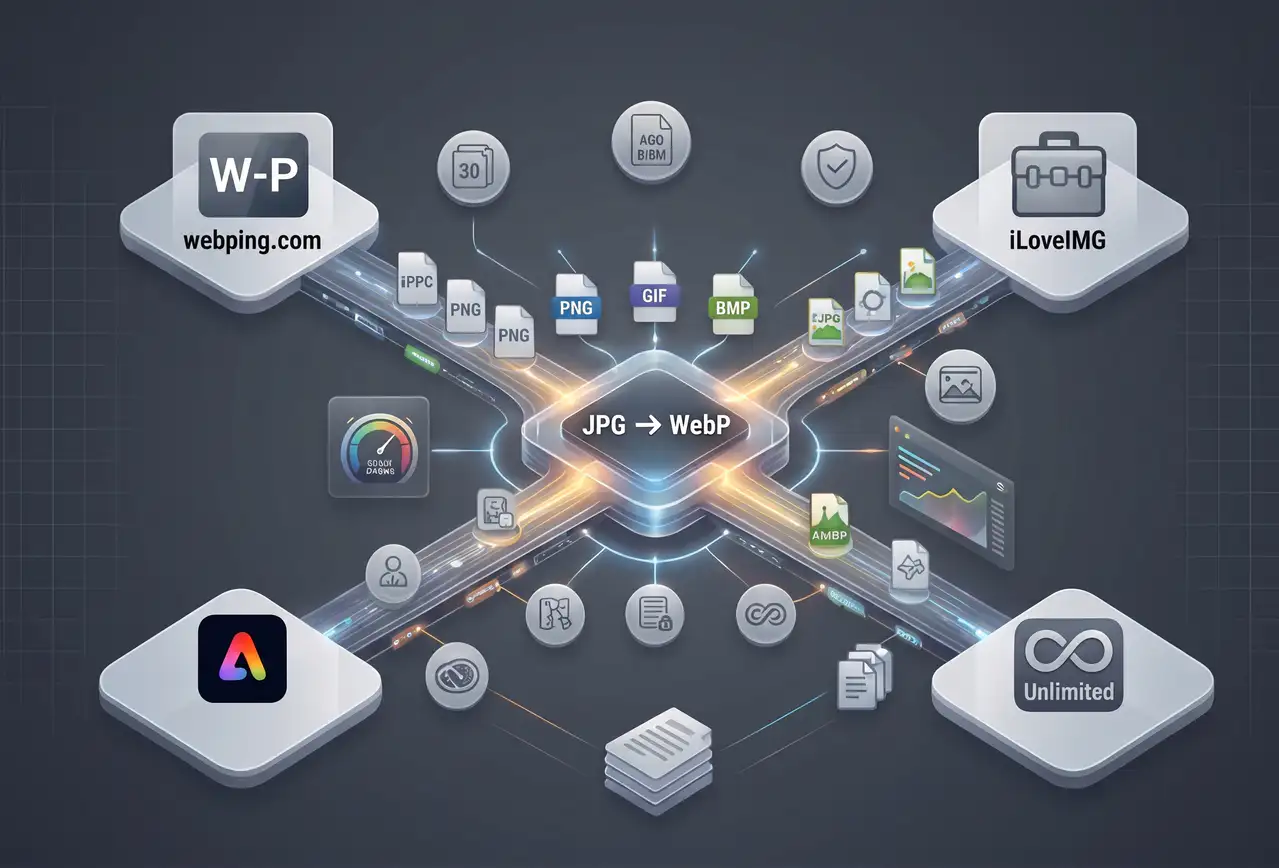
This article compares four of the most commonly surfaced JPG to WebP tools — including the one we built, WebPImg — across the dimensions that actually matter: batch size limits, file size caps, signup requirements, watermarking, privacy, supported input formats, and output quality. No marketing language, just what you get when you actually upload a JPG.
The Tools Being Compared
WebPImg (webpimg.com) — free JPG to WebP converter built specifically around in-memory processing, no storage, up to 50 files per batch, 15MB per file limit. Supports JPG, PNG, GIF, and HEIC inputs.
iLoveIMG — large online image utility suite. JPG to WebP is one of many tools. Batch size depends on whether you have a free or paid plan. Free accounts have session-based limits.
11zon — collection of free online utilities across document, image, and file conversion. Advertises unlimited free usage. Heavy ad load on the free tier.
Adobe Express — Adobe's free online JPG to WebP tool sits alongside their paid Creative Cloud ecosystem. Clean interface, Adobe brand recognition, but requires an Adobe account for some features.
Feature Comparison
Batch Size
If you are processing a handful of images, batch size does not matter. If you are migrating a product catalog, it matters enormously. WebPImg supports 50 files per batch with no daily cap — run as many batches as you need. iLoveIMG's free tier limits you to smaller batches and has session-based throttling. 11zon varies by tool, often capping at 20-30 files. Adobe Express typically handles small batches interactively.
File Size Limits
Most free online converters cap individual file size somewhere between 2MB and 20MB. WebPImg limits to 4MB per file, which handles the vast majority of web-destined JPGs (a 4000x3000 JPG at 80% quality is usually under 3MB). iLoveIMG and Adobe Express have higher per-file limits for paid accounts. 11zon's free tier is generally similar to WebPImg's.
Signup Required?
WebPImg: no. iLoveIMG: no for basic use, yes for higher batch sizes. 11zon: no. Adobe Express: account recommended for save/edit features, basic conversion works without.
Watermarks
None of these four add watermarks to converted WebP files. Good — but it is worth noting because some lesser-known competitors do add watermarks to free-tier output.
Privacy — Where Does Your Image Go?
This is the dimension most tools gloss over. When you upload a JPG to an online converter, where does it actually live during processing?
WebPImg processes everything in server RAM. No disk writes. Your file exists in memory only for the milliseconds it takes to encode to WebP, then it is purged. Nothing is logged beyond basic request metadata. iLoveIMG, 11zon, and Adobe Express all write uploaded files to temporary storage during processing — Adobe and iLoveIMG state they delete files after a defined retention window (typically 2-24 hours), 11zon's retention policy is less explicit.
If you are converting sensitive images — product photos before a launch, personal photos, anything under NDA — the in-memory-only approach is materially different. Most users do not care. Some should.
HEIC Support (iPhone Photos)
HEIC is the default photo format on iPhones since iOS 11. If you take a photo with an iPhone and try to upload it to a website, it usually will not display because browsers do not support HEIC natively. Converting HEIC to WebP in the same tool you use for JPG matters if your workflow includes iPhone photography.
WebPImg supports HEIC input natively — drop an iPhone photo in and it converts to WebP directly. iLoveIMG has HEIC support through a separate tool in their suite. 11zon has limited HEIC support. Adobe Express supports HEIC through its broader editing tools but not always in the simple conversion path.
Output Quality Control
All four tools let you control output quality, but the granularity differs. WebPImg exposes a 0-100% quality slider directly in the interface, so you can trade file size for visual fidelity on every batch. iLoveIMG offers preset quality levels (low/medium/high). 11zon uses a slider similar to WebPImg. Adobe Express favors automated "optimal" settings with less manual control.
For a single photo, presets are fine. For a product catalog where you want 82% quality on every image to match your existing optimized assets, a slider wins.
Real Compression Results
I ran the same 2.1MB JPG photograph (4032x3024, product shot) through all four tools at their default quality settings and measured the output WebP file size.
WebPImg at 80%: 312KB — a 85% reduction. iLoveIMG default: 420KB — a 80% reduction. 11zon default: 380KB — a 82% reduction. Adobe Express auto: 490KB — a 77% reduction.
All four produce visually near-identical output at these settings. The file size differences come down to quality-setting defaults and encoder tuning. WebPImg's more aggressive default is appropriate for web delivery; Adobe's conservative default preserves slightly more detail at the cost of size.
When to Use Which Tool
Use WebPImg if: you need bulk JPG to WebP conversion for a website or product catalog, you care about in-memory privacy, you have iPhone HEIC photos to convert, you want fine-grained quality control, and you do not want to sign up for anything.
Use iLoveIMG if: you are already using their suite for PDFs and other tools, and the batch size limit is not a blocker.
Use 11zon if: you are converting a single file or two and do not mind heavy ads. The tool works fine for one-off conversions.
Use Adobe Express if: you are already in the Adobe ecosystem and want conversion integrated with editing. For standalone conversion it is overkill.
Why We Built WebPImg
The existing tools all work — none of them are broken. What was missing from the landscape was a fast, signup-free, batch-friendly converter that treated image privacy as a first-class concern instead of an afterthought. Most online converters store your file on disk during processing because it simplifies the backend. Processing in memory requires more careful engineering but eliminates an entire category of data exposure.
If you want to try WebPImg on your own JPGs, the JPG to WebP converter is right here. No account, no credit card, no email. Upload up to 50 files, pick your quality setting, download the ZIP.
Quick Reference Table
Batch size: WebPImg 50 / iLoveIMG limited on free / 11zon ~20 / Adobe ~small
HEIC support: WebPImg native / iLoveIMG separate tool / 11zon limited / Adobe via editing tools
Privacy: WebPImg in-memory only / others store temporarily
Signup: WebPImg no / iLoveIMG optional / 11zon no / Adobe optional
Watermarks: none on any of the four
Cost: all free for basic JPG to WebP conversion